Suppose the settings listed below are not configured on FortiGate. FortiAnalyzer Reports and FortiView will not generate SSID usage statistics for clients in bridge mode. The default settings for these log objects are set to ’notifications.’ To ensure that reports are generated properly, you need to change the setting to ‘information’ using the following command:
FortiGate
config wireless-controller log
    set sta-event-log information
    set sta-locate-log information
    set wtp-event-log information
end
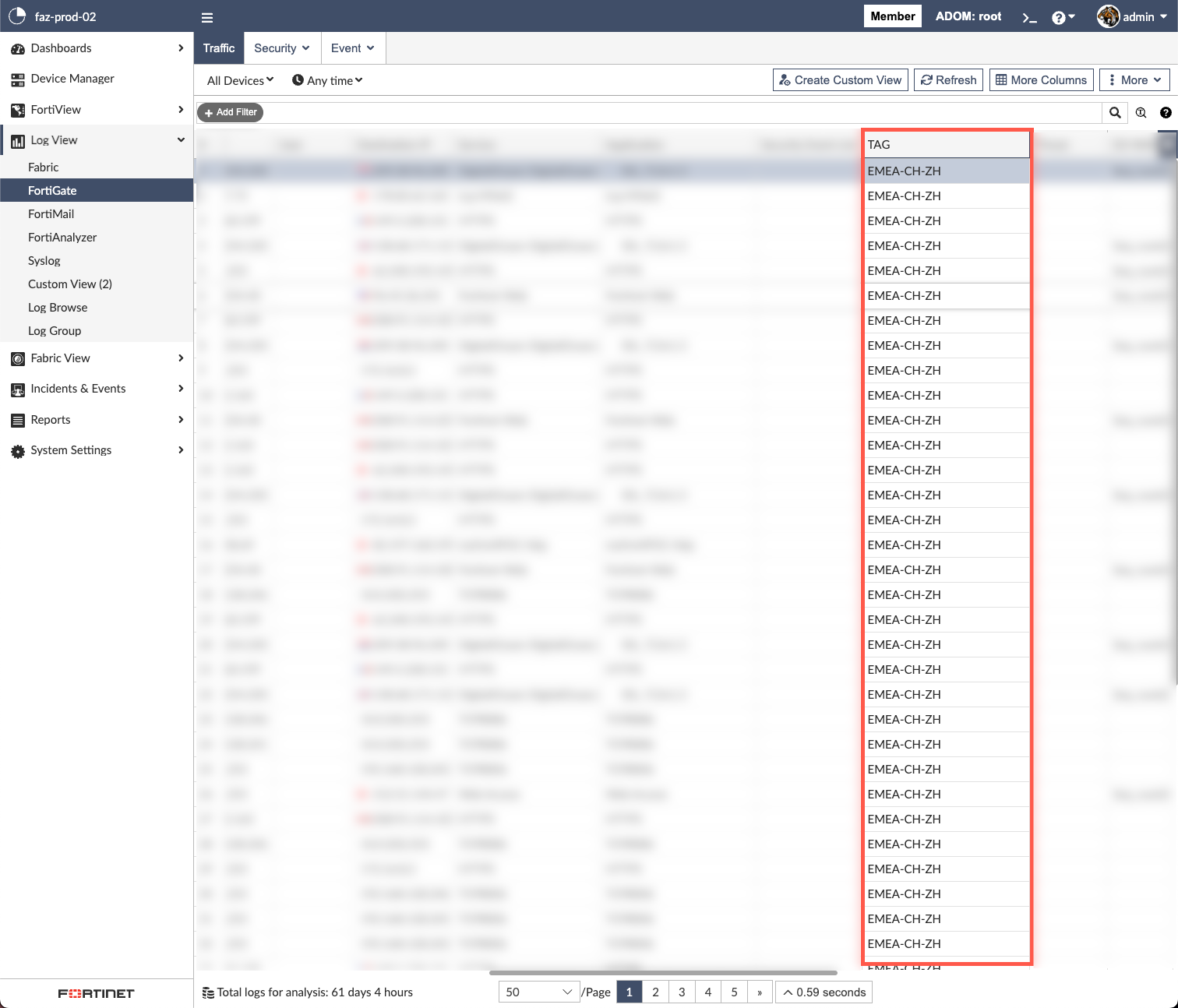
After configuring these settings, you can check the logs on FortiGate to monitor this capability. This step is essential for sending logs related to bridge mode SSIDs to FortiAnalyzer, allowing you to analyze SSID usage in bridge mode. To access the logs, navigate to Log View -> Logs -> Fortinet Logs - FortiGate -> Events -> WiFi Events and set the filter to Action == sta-wl-bridge-traffic-stats.